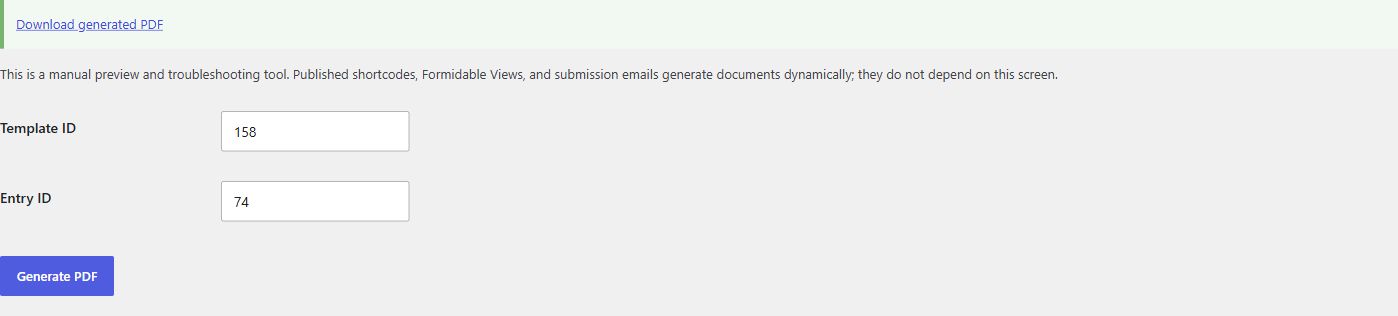
Use the manual test screen before publishing a new template.
- Open EntryFoundry, then select Generate / Test PDF.
- Enter the EntryFoundry template ID.
- Enter a Formidable entry ID that belongs to the template source form.
- Select Generate PDF.
- Open the generated download and inspect every page, image, field value, table break, and final total.
This screen is a preview and troubleshooting tool. Published shortcodes, Formidable Views, and submission emails generate documents dynamically and do not depend on the manual test screen.