Install EntryFoundry Lite from the WordPress plugin directory.
- In WordPress, open Plugins, then select Add Plugin.
- Search for EntryFoundry.
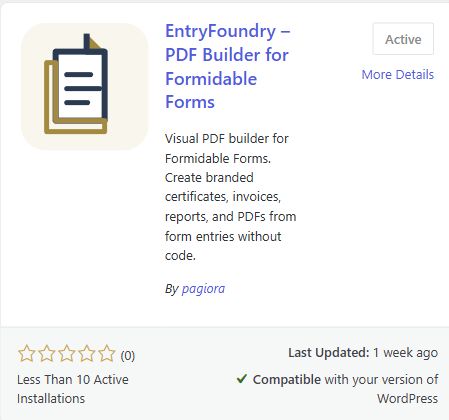
- Locate EntryFoundry PDF Builder for Formidable Forms. The official listing is published by pagiora.
- Select Install Now, then activate the plugin. If the card already says Active, the plugin is ready.
- Confirm that EntryFoundry appears in the WordPress admin menu.
You can also download EntryFoundry Lite from WordPress.org and upload the ZIP from the same screen.


